Restray
... is a simple, handy system tray GUI to manage and schedule restic backups with ease.
Available for MacOS, Windows, and Linux. Scroll down for installation instructions.
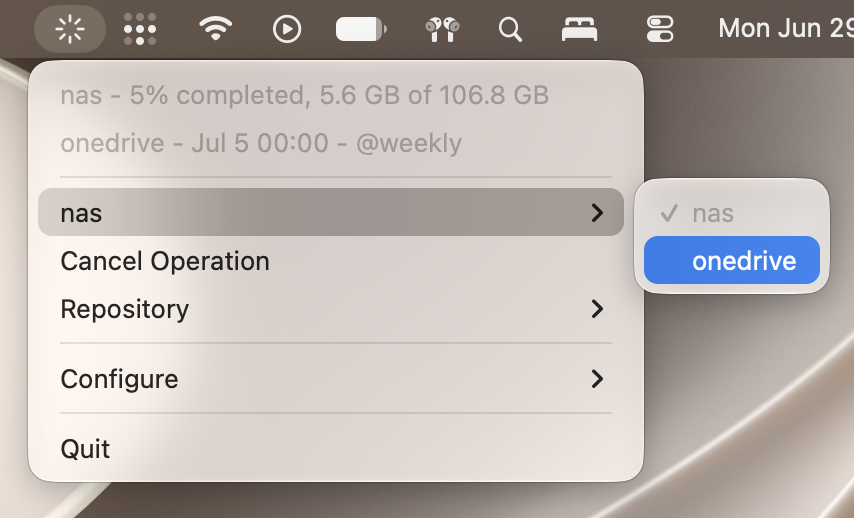
Just runs in the tray
Run schedules
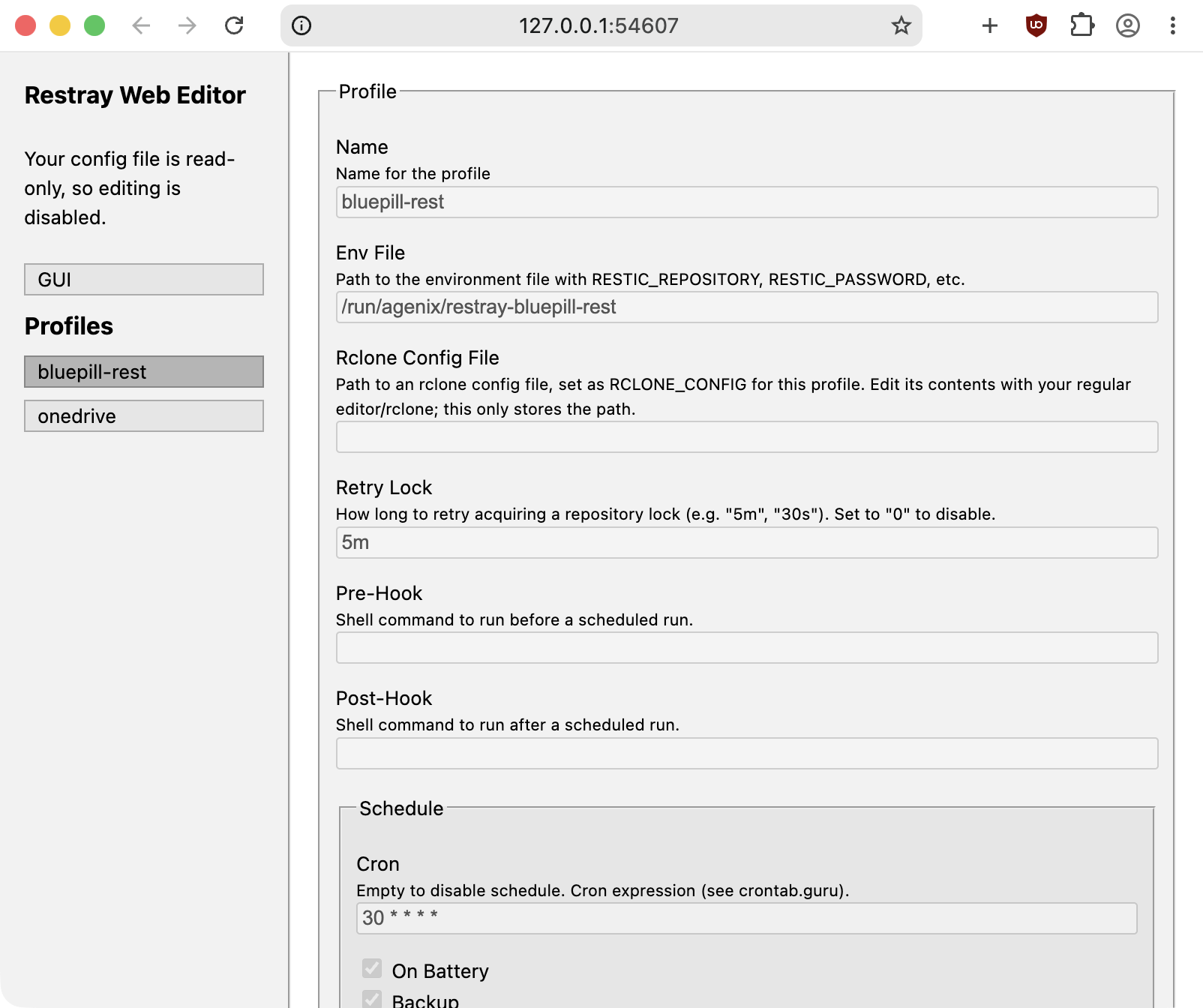
Restray's main purpose is to make it simple to run restic backups on a schedule, on any OS. These schedules are also configurable with battery detection, pre/post hooks, prune/check, and more.
Small and fast
Restray is very small, light, and fast. It's an efficient, simple Go application that just uses native system tray menu APIs, which allows it to be run pretty much anywhere without a sweat. No web tech here!
Multiple profiles
Restray supports multiple backup profiles, each having different schedules, settings, etc. So, for example, you could have one target to your local NAS, and one target to cloud storage, at different times.
Mount your repo
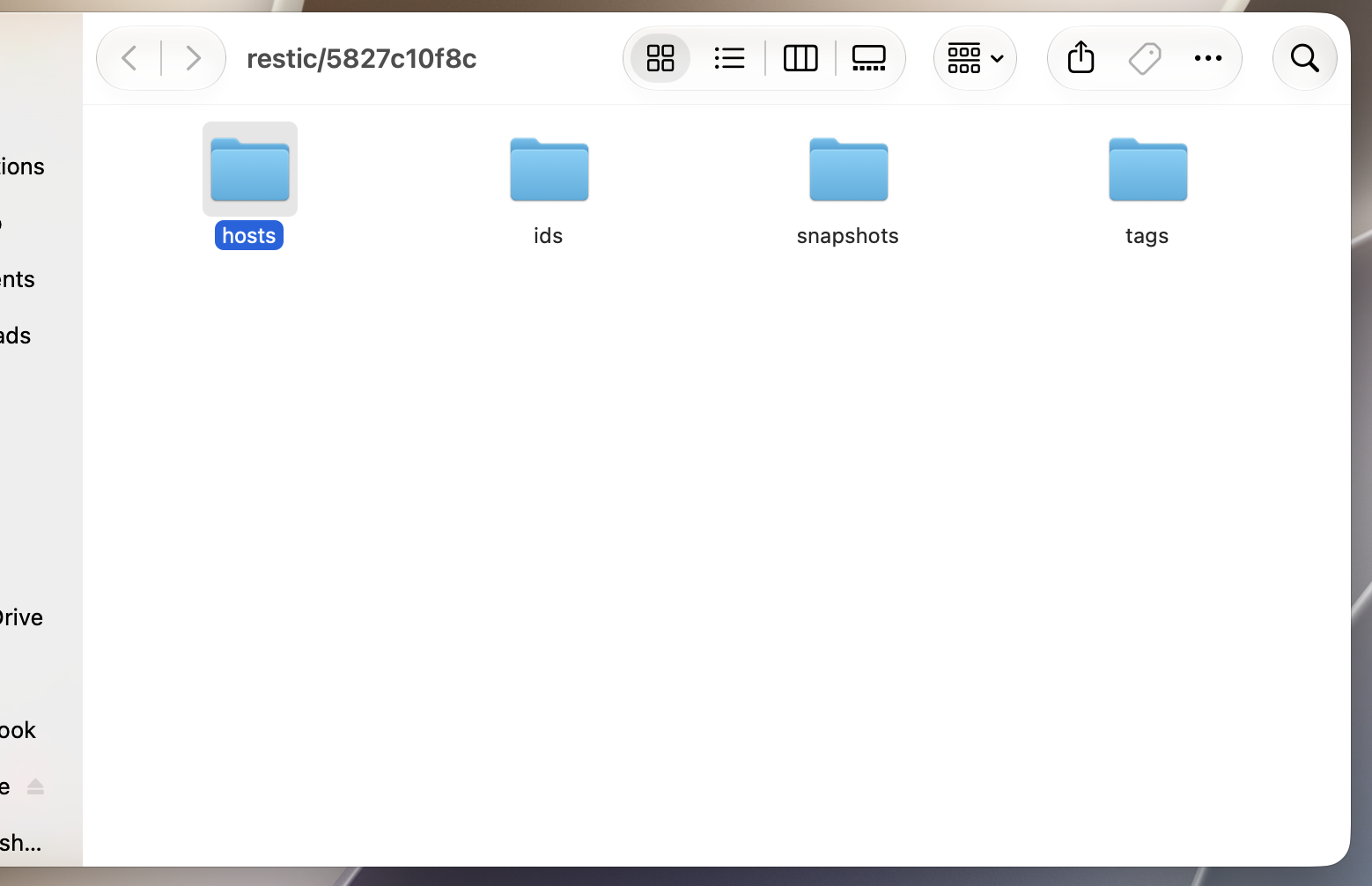
Restray has a quick shortcut to restic's mount command,
which lets you mount your repository and browse in the file explorer.
To use, you must install Fuse-T/macFUSE on MacOS, or FUSE on Linux.
Environment shell
Restray has a nifty feature that lets you open a shell with your profile's environment variables and restic binary loaded. This can be very useful for restoring or other CLI operations without friction.
Other things
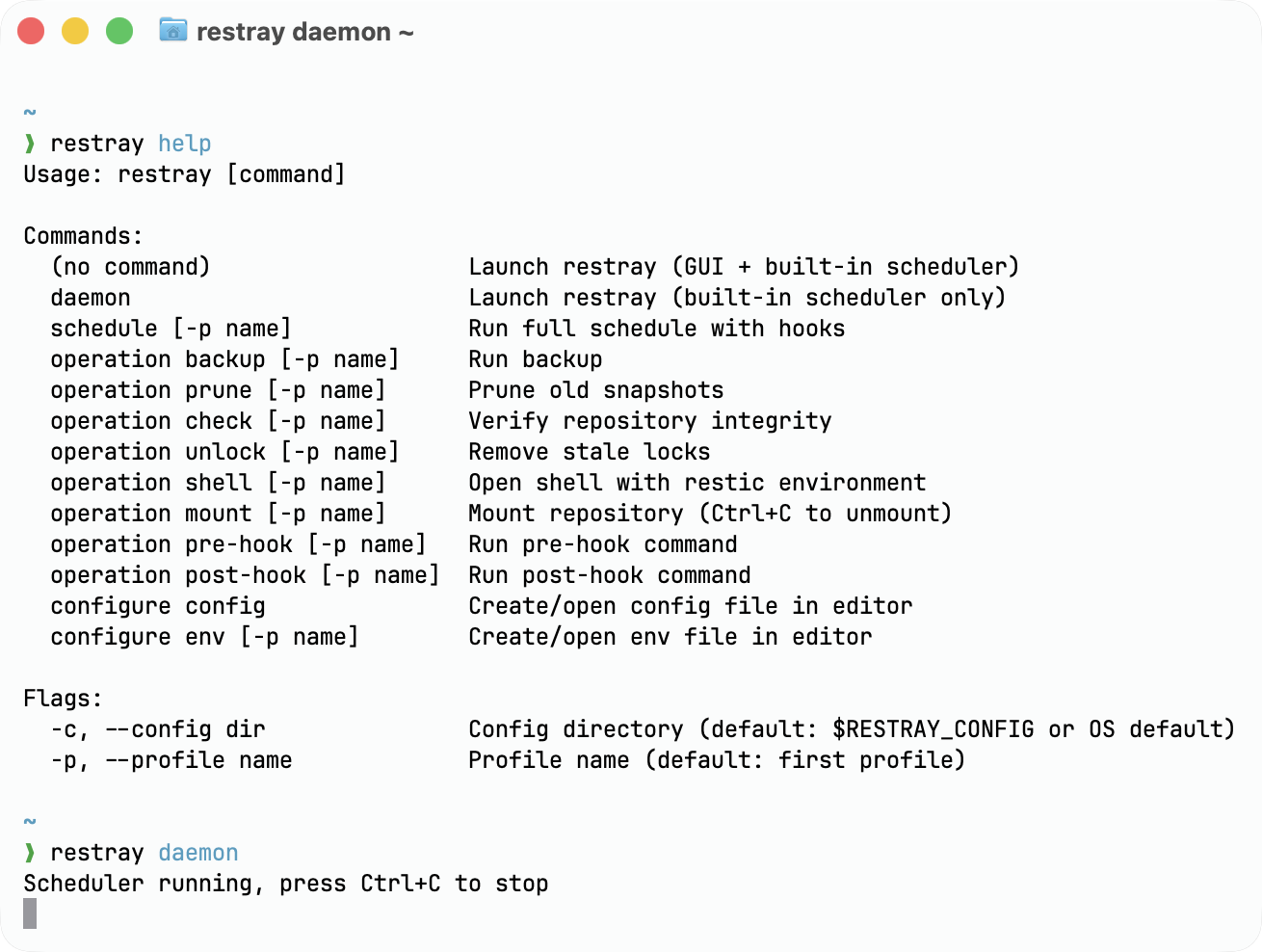
Restray can also do a lot of other things, like running as CLI/daemon, auto removing stale locks, hot reloading, initializing repo, and quite a lot more. See the README for more details.
Installation
Please keep in mind that Restray is currently beta software. I work on it in my free time. It's new, and there may be a bug or two that I haven't caught yet. If you find any, please create an issue so that I can keep track of it.
To install, grab a build artifact for your OS and architecture
from the repository's tags. On MacOS you'll need to remove quarantine from the .app, since I can't pay Apple $100/year to
sign it. Sorry.
On MacOS, a restic binary is downloaded and bundled to the .app at build time, though I'd recommend installing restic to your PATH
so you have the latest version. On Windows and Linux, Restray can download
and update it's own restic binary itself if it isn't already in PATH.
If you're a Nix/NixOS/Nix-darwin user, I also provide package/module in the project's flake for Linux and MacOS.
If you're on GNOME, you will need the system tray support extension to see and interact with Restray.